
How to Stand Out in the REACH Application Process
• 12 min read

The gap between tutorials and reality is wider than you think—here's what nobody tells you

After months of tutorials, online courses, and coding challenges, I finally decided to build something real. Not another todo app or calculator—something that actual people would use. The project was a local business directory for my community, and let me tell you, it was nothing like the sanitized world of tutorials.
Here are the five most important lessons I learned during this journey, and why building that first real project changed everything about how I approach development.

In tutorials, the planning phase is usually glossed over. You're told what to build and how to build it. But in the real world? You're staring at a blank canvas with endless possibilities and no clear direction.
I jumped straight into coding because I was excited to apply what I'd learned. Big mistake. Three weeks in, I realized I hadn't thought through basic questions like:
When I finally stopped coding and started planning properly, everything became clearer. I created:
User Personas: Instead of building for "everyone," I defined three specific user types: local business owners, community residents, and tourists.
User Stories: I wrote out exactly what each persona needed to accomplish, like "As a business owner, I want to easily update my hours so customers have current information."
Feature Priority Matrix: I categorized every feature idea as Must-Have, Should-Have, Could-Have, or Won't-Have (MoSCoW method). This prevented feature creep and kept me focused.
Technical Architecture Diagram: I sketched out how different parts of my application would connect before writing a single line of code.
The two weeks I "lost" planning saved me at least a month of refactoring and rebuilding later.

Tutorial data is perfect. Every user has a first name, last name, and properly formatted email. Phone numbers follow standard formats. Images are always the right size and aspect ratio. Real world data? Complete chaos.
When I launched my beta version to local business owners, here's what happened:
Validate Everything, Twice: Never trust user input. I learned to validate data both on the frontend (for user experience) and backend (for security and consistency).
Provide Clear Examples: Instead of just labeling a field "Phone Number," I added placeholder text showing the expected format: "(555) 123-4567."
Handle Edge Cases Gracefully: When someone uploads a massive image, don't crash—resize it automatically and show a friendly message.
Test With Real Users Early: I should have given my beta version to actual business owners sooner. They found ways to break my application that I never would have imagined.
The biggest lesson? Users don't read instructions, and they'll use your application in ways you never intended. Design for this reality.
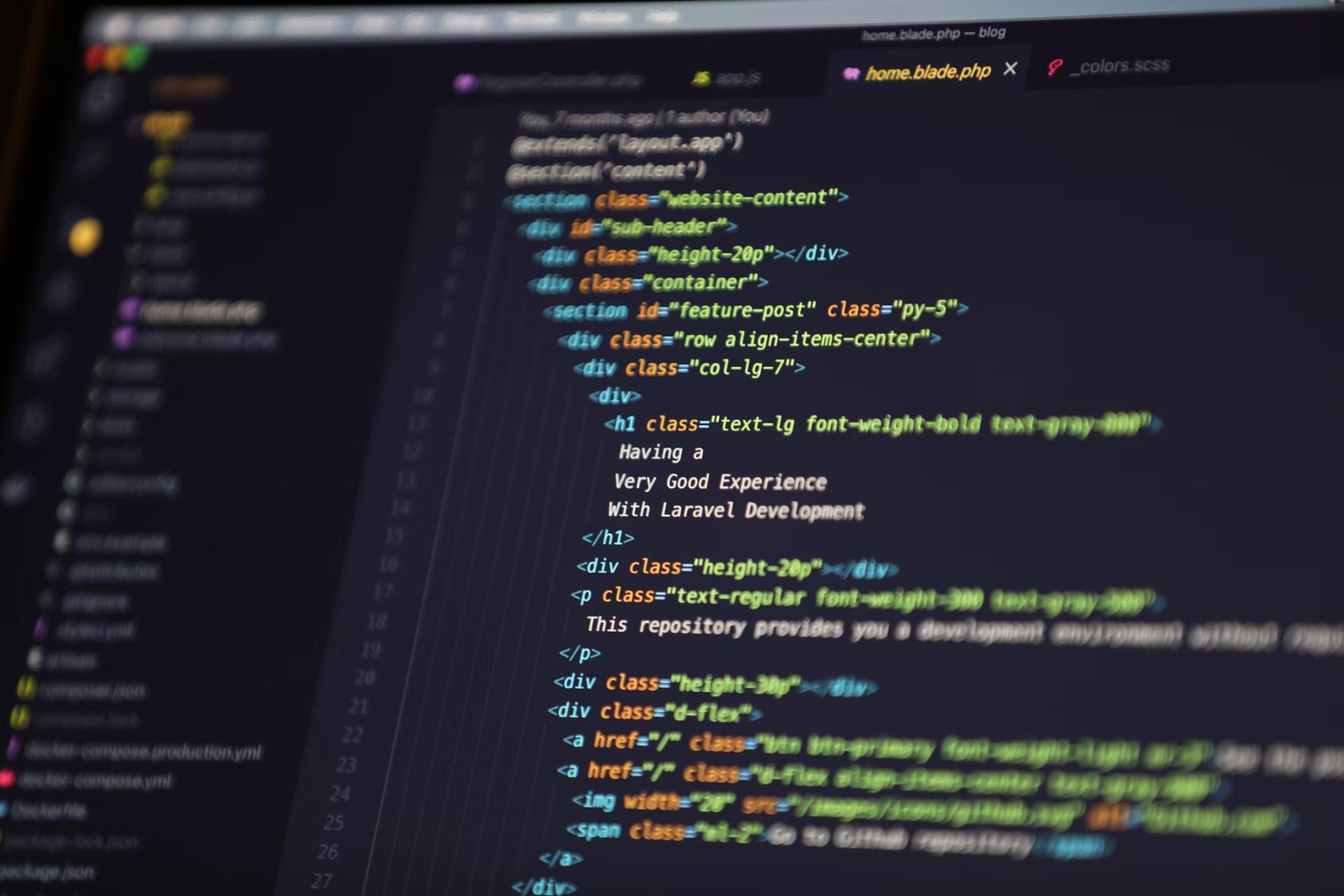
"It works on my machine" became my least favorite phrase. Getting my application from my laptop to a live server where other people could actually use it was like learning an entirely new skill set.
In tutorials, deployment is either skipped entirely or glossed over with a simple "deploy to Heroku" instruction. The reality involved:
Week 1: Tried to deploy to three different platforms. Each one failed for different reasons.
Week 2: Finally got it deployed, but the database wasn't connected properly. Users could visit the site but couldn't see any businesses.
Week 3: Database connected, but images weren't loading because I hardcoded local file paths.
Week 4: Images working, but the site was incredibly slow because I wasn't optimizing database queries.
Docker: Once I containerized my application, deployment became much more predictable across different environments.
CI/CD Pipeline: Setting up automated testing and deployment through GitHub Actions meant I could push updates confidently.
Environment Management: Learning to properly manage development, staging, and production environments saved me from countless headaches.
Monitoring Tools: Implementing error tracking (Sentry) and performance monitoring helped me catch issues before users reported them.
The biggest insight? Deployment isn't a one-time event—it's an ongoing process that requires as much attention as the code itself.
I spent weeks perfecting my code architecture, making sure every function was pure and every component was reusable. Meanwhile, my application took 8 seconds to load the main page.
During user testing, I watched someone literally close my application while it was loading. They said, "This is taking too long," and moved on. All my beautiful, clean code meant nothing if users wouldn't wait for it to load.
Images Are Usually the Culprit: My business listings page was loading 50+ high-resolution images simultaneously. I learned about lazy loading, image optimization, and CDNs.
Database Queries Add Up: I was making separate API calls for each business instead of batching them. One optimized query replaced dozens of individual requests.
Bundle Size Matters: I imported entire libraries when I only needed small pieces. Learning about tree shaking and code splitting reduced my JavaScript bundle by 60%.
Caching Is Your Friend: Implementing basic caching strategies dramatically improved load times for returning users.
Measure First: Used tools like Google PageSpeed Insights and Chrome DevTools to identify bottlenecks
Prioritize Impact: Fixed the issues that would provide the biggest performance gains first
Test on Real Devices: My MacBook Pro made everything look fast—testing on older phones revealed the truth
Monitor Continuously: Set up performance budgets to prevent regression
The result? Load time went from 8 seconds to under 2 seconds, and user engagement increased dramatically.
I thought I had built exactly what users needed. I was wrong. User feedback completely changed my perspective on what makes a good application.
What I Expected: "This is amazing! You're so talented!"
What I Actually Got:
One user said, "I love the idea, but I keep forgetting to check the website. Could you send me notifications when new businesses are added in my area?"
This single piece of feedback led me to:
None of these features were in my original plan, but they became the most used parts of the application.
Listen Without Defending: My first instinct was to explain why users were "wrong" about my design choices. Big mistake. I learned to listen first and understand the underlying need.
Look for Patterns: One person asking for a feature might be an outlier. Five people asking for the same thing? That's a pattern worth addressing.
Separate "What" from "How": Users are great at identifying problems but not always at proposing solutions. When someone said "the search is broken," they meant "I can't find what I'm looking for," not that the search functionality literally didn't work.
Prioritize Feedback: Not all feedback is equally valuable. I learned to weight feedback from active users more heavily than casual visitors.
Collect Systematically: Used simple tools like Google Forms and Hotjar to gather feedback consistently
Categorize and Prioritize: Grouped similar feedback and ranked by frequency and impact
Communicate Changes: Let users know when I implemented their suggestions—they became my biggest advocates
Iterate Quickly: Made small improvements weekly rather than waiting for major releases
The most valuable insight? Users don't want perfection—they want solutions to their problems. Sometimes the simplest fix has the biggest impact.
Building this local business directory taught me more about software development than months of tutorials ever could. Here's what changed:
I now spend at least 20% of project time on planning and research. It feels slow initially, but it prevents weeks of refactoring later.
Perfect code that doesn't solve real problems is worthless. I now prioritize working solutions over elegant abstractions, then refactor when necessary.
I learned to build for real people, not idealized personas. Users are unpredictable, impatient, and often use applications in unexpected ways.
Most importantly, I realized I could build things that people actually use. The imposter syndrome didn't disappear completely, but it significantly diminished.
If you're still in tutorial mode, wondering when you'll be "ready" to build something real, here's my advice: you're already ready. You don't need to know everything—you need to start building.
Every challenge I mentioned in this post was frustrating in the moment but invaluable for my growth as a developer. The debugging sessions, the deployment failures, the user feedback that contradicted my assumptions—all of it made me better.
The perfect project doesn't exist. The perfect time doesn't exist. But the perfect learning experience? That's waiting for you on the other side of building something real.
Stop watching tutorials and start building. Your first real-world project won't be perfect, but it will be infinitely more valuable than your tenth tutorial project. The lessons you learn—about planning, users, deployment, performance, and feedback—will transform how you approach development.
The local business directory I built isn't winning any design awards, but it's being used by real people in my community. That's worth more than any perfectly architected tutorial project ever could be.
What problem in your community could you solve with code? Start there, start small, and start today.
Remember: The goal isn't to build the perfect application—it's to build something real, learn from the experience, and grow as a developer. Your first real project is just the beginning of an incredible journey.